[AK] How to get your RON/Electronic Endorsement in Alaska
[AK] How to get your RON/Electronic Endorsement in Alaska
If you are an existing Alaska notary, you can apply to become a Remote Online Notary (RON) in the state of Alaska.
Note: If you do not already have a notary license, you will need to complete that as your first step by filling out the Alaska Notary Commission Application online through the MyAlaska web portal or by paper application.
Video Resources
- How to Become a Remote Online Notary in Alaska
A short video explaining the Alaska RON endorsement process and state filing requirements.
Steps To Become a RON in Alaska
Step 1: Sign-up & Create Your Account With Everythinglegal.com
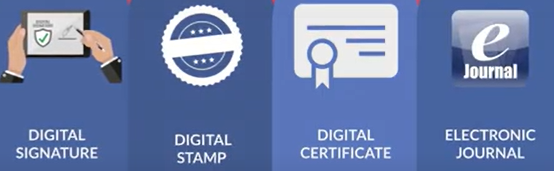
Obtain your Digital Certificate, Electronic Signature, and Digital Stamp from our all-in-one platform.
Everything Legal also provides you with the required Electronic Journal for documenting your remote online notarizations.
For instructions on how to properly save your digital certificate to your computer, refer to the help article here:
[Get Your Digital Certificate](X509 Certificate Setup Guide)
Step 2: Notify the Lieutenant Governor
You must submit a copy of the electronic signature and seal you obtained from Everything Legal, along with a written notice to the Lieutenant Governor.
Email notary@alaska.gov and attach your Electronic Signature and Stamp files created through Everything Legal.

Your written request must include:
- Commissioned notary’s name (as it appears on the commission certificate) and commission number
- Description of the technology vendor/provider selected to perform remote online notarial acts
- Copies of your electronic signature and stamp/seal to be used for performing remote online notarizations on the provider’s platform
For more information and additional resources, visit the Notarial Resources Page on the Alaska Lieutenant Governor’s website.